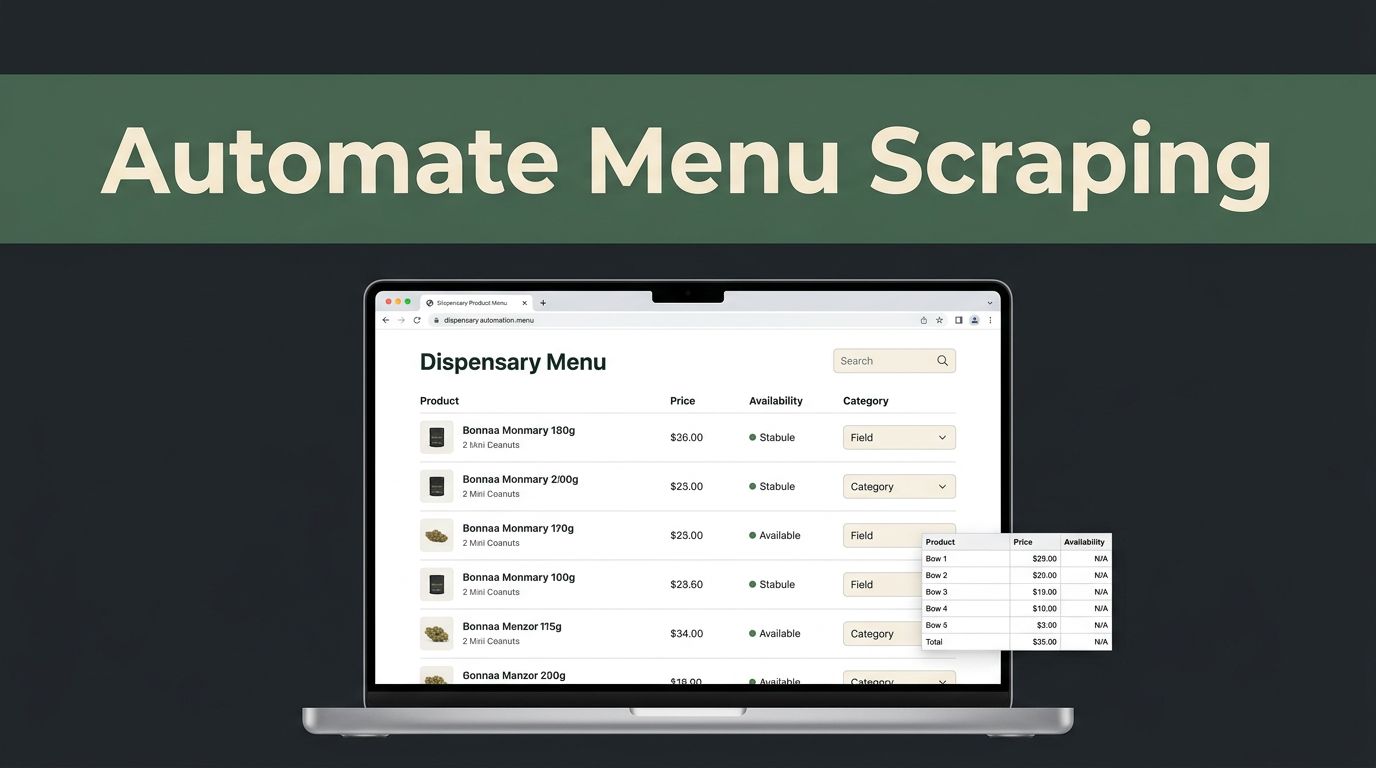
Most dispensary menus are easy to read and tedious to monitor. Prices change, items sell out, and the same product can appear under different names. A dispensary menu scraper built with Twin.so can collect public menu pages into consistent rows, but it still needs clear instructions and human review.
The practical setup is simple: define the fields, test one source, check the results, then schedule only what you can maintain.
How a Dispensary Menu Scraper Works
A menu scraper visits a page, reads the available listings, and returns selected information in a consistent format. For dispensaries, that usually means product name, category, brand, price, availability, size, and location.
Twin.so uses browser automation for website tasks. Its Web Agent documentation describes browser-based workflows for multi-step pages, dynamic content, and websites without a convenient API.
Pick Public Menu Pages
Start with direct URLs that any normal visitor can open. A menu may be hosted on the dispensary’s website, a retail platform, or a third-party ordering page.
Use the exact page that contains the listings. A location landing page may not show the same products as the ordering menu. If the site has separate pages for medical and adult-use sales, treat them as separate sources.
Don’t assume that a public page gives permission to bypass a login, age gate, paywall, technical block, or other access control. If access requires special approval, confirm that you have permission before building the workflow.
Define Fields Before Running
A dispensary menu scraper works better when the output is limited to fields you will actually use. A clear schema also makes missing or incorrectly mapped values easier to spot.
Use one row per menu item. Keep the original displayed value when standardization could remove useful context. For example, preserve the menu’s product name while adding a separate normalized category field.
Build a Twin.so Workflow
The first run should be a small test, not a sweep across every location you can find. One menu page is enough to reveal whether the page loads properly and whether the fields are being read correctly.
Start with One Menu URL
Give Twin.so the public menu URL and a narrow instruction. State what to collect, what to ignore, and how to format the results.
A useful request can look like this:
Collect public menu items from this page. Return one row per item with product name, category, brand, price, availability, size, location, source URL, and collection time.
Keep the first test under 20 or 30 items if the page is large. Review the output before adding more locations.
Twin’s quickstart documentation includes an approval step before a browser task runs. Use that review point to confirm the URL and instructions before the agent starts.
Ask for Structured Output
Request a table, spreadsheet-ready rows, or JSON-style records. Avoid asking for a general summary because summaries can omit products and combine different fields.
Tell the workflow how to handle common problems:
- Leave a field blank when the source doesn’t display it.
- Keep prices separate from discounts or promotional notes.
- Record the displayed availability status.
- Use the page’s location rather than guessing from the business name.
- Include the source URL and collection time with every row.
If a menu uses filters, specify which filter should be selected. For example, ask for all categories, or ask for flower and edibles separately. This prevents the workflow from collecting only the default category shown on page load.
Twin also markets no-API browser automation for sites that don’t offer a usable API. If an official feed or API exists, check that option first. Browser automation is more dependent on page layout and can cost more to run.
Choose Fields That Match Your Use Case
The right fields depend on what you plan to do with the data. A retailer may focus on inventory changes. A researcher may need brand, size, location, and historical prices.
Use this basic field set as a starting point:
| Field | What to Capture |
|---|---|
| Product name | The exact name displayed on the menu |
| Category | Flower, edible, vape, tincture, or the source category |
| Brand | The listed manufacturer or brand |
| Price | Current price, with discount information kept separate |
| Availability | In stock, out of stock, preorder, or the displayed status |
| Size | Weight, volume, count, or package size |
| Location | Store name, city, or dispensary location |
| Source URL | The page where the row was collected |
| Collected at | Date and time of the request |
Keep Original and Cleaned Values
Don’t replace the original price with a guessed number. Store the displayed price in one field, then create a cleaned numeric field if your analysis needs calculations.
The same approach works for sizes and categories. A source may use “1/8 oz,” “3.5g,” or “eighth.” Keep the original wording and add a normalized value only when the conversion is reliable.
Add Location and Time
Location matters when one brand operates several stores. A product can be available at one address and unavailable at another.
A collection timestamp matters just as much. Without it, you can’t tell whether a price is current, yesterday’s value, or an old record. Store the source URL with each row so someone can check the original listing later.
Keep Scraped Menu Data Accurate
Collection is only half the job. A scraper can return a clean-looking table with wrong prices, duplicate products, missing categories, or stale availability.

Validate Every Run
Set simple checks before using the output in a report or customer-facing tool. A row should not pass review when the product name is missing or the price contains unrelated text.
Check for:
- Blank product names
- Duplicate rows caused by page sections or filters
- Prices that include shipping, tax, or promotional text unexpectedly
- Missing location values
- Availability values that don’t match the source
- Size values that were copied into the price field
- A sudden drop in the number of collected items
A small sample review is useful even after the workflow appears stable. Open several source pages and compare them with the returned rows.
Detect Changes Instead of Starting Over
Save each run as a dated snapshot. Compare the new output with the previous snapshot to find products that were added, removed, repriced, or marked unavailable.
Useful change alerts include:
- A product price changed
- An item became unavailable
- A new product appeared
- A product disappeared
- A location stopped returning menu data
- A category returned zero results
You don’t need an alert for every row. A change report is easier to review than a full menu export every time.
Twin can collect the current page, but your spreadsheet or database should hold the history. That separation makes it easier to investigate errors and restore an earlier version.
Control Requests and Handle Data Responsibly
A reliable dispensary menu scraper should be conservative. Aggressive request patterns can create errors, trigger blocks, and put unnecessary pressure on a retailer’s website.
Set Respectful Request Rates
Most menus don’t need checks every few minutes. A daily schedule may be enough for broad market research. A retailer tracking its own locations may choose a shorter interval for selected pages.
Start with one request per source during a scheduled run. Add delays between locations when you have several pages to collect. Stop or slow down when a site returns errors, challenges, or unusually incomplete pages.
Twin’s current API material describes tenant-level limits and 429 responses with a Retry-After value. Public documentation doesn’t provide one universal requests-per-minute number, so don’t plan around a fixed limit. Use backoff and retry only when the response tells you to do so.
Keep Access and Compliance in Scope
Public menu data is not automatically free of restrictions. Review the site’s terms, access rules, copyright concerns, and privacy practices before collecting or republishing information.
Cannabis rules vary by state. The NCSL overview of state cannabis laws is a useful starting point, but it isn’t a substitute for the regulator in the state where the dispensary operates. For New York sources, check the New York Office of Cannabis Management for current state information.
Collect menu fields rather than personal information. Don’t collect customer names, account details, emails, or order histories unless there is a clear lawful reason and proper authorization. If your project includes contact information or marketing use, review the FTC’s privacy and security guidance.
A menu collection project should be limited by both the page you can access and the data you actually need.
Estimate Twin.so Costs Before Scaling
Twin.so uses credits rather than a simple flat request count. Its current pricing documentation lists 2,000 credits per month for $20, 20,000 credits for $189, and larger plans above that level.
The same documentation gives example usage ranges. A simple automation may use 15 to 30 credits. A scraping job covering about 100 items may use 20 to 70 credits. A browser-agent session with around 20 steps may use 100 to 200 credits.
Use those ranges for a rough estimate. If you check 25 locations four times per month, and each run collects about 100 items, the scraping portion could require roughly 2,000 to 7,000 credits before retries and other tasks. Actual use depends on page complexity and the workflow steps.
Know When a Different Method Fits Better
Twin is a practical option when pages are dynamic, layouts vary, or no usable API exists. It is less attractive when the source provides a stable feed, a clean export, or a predictable API.
The Twin documentation describes browser automation as its most expensive and least reliable execution mode. That doesn’t make it unsuitable. It means you should use it where browser access solves a real problem, not where a simpler data source already works.
Test one location first. Measure missing fields, duplicate rows, run time, and credit use. Scale only after the workflow produces data you can check and maintain.
Conclusion
A useful dispensary menu scraper is more than a browser task. It needs a narrow field list, public source pages, respectful request timing, dated outputs, and checks for price and availability changes.
Twin.so can help collect menu data without requiring you to build a full scraper in code. Start with one page, verify every field, and keep the original source and collection time with each row. That approach gives you data that is easier to trust and easier to fix when a menu changes.