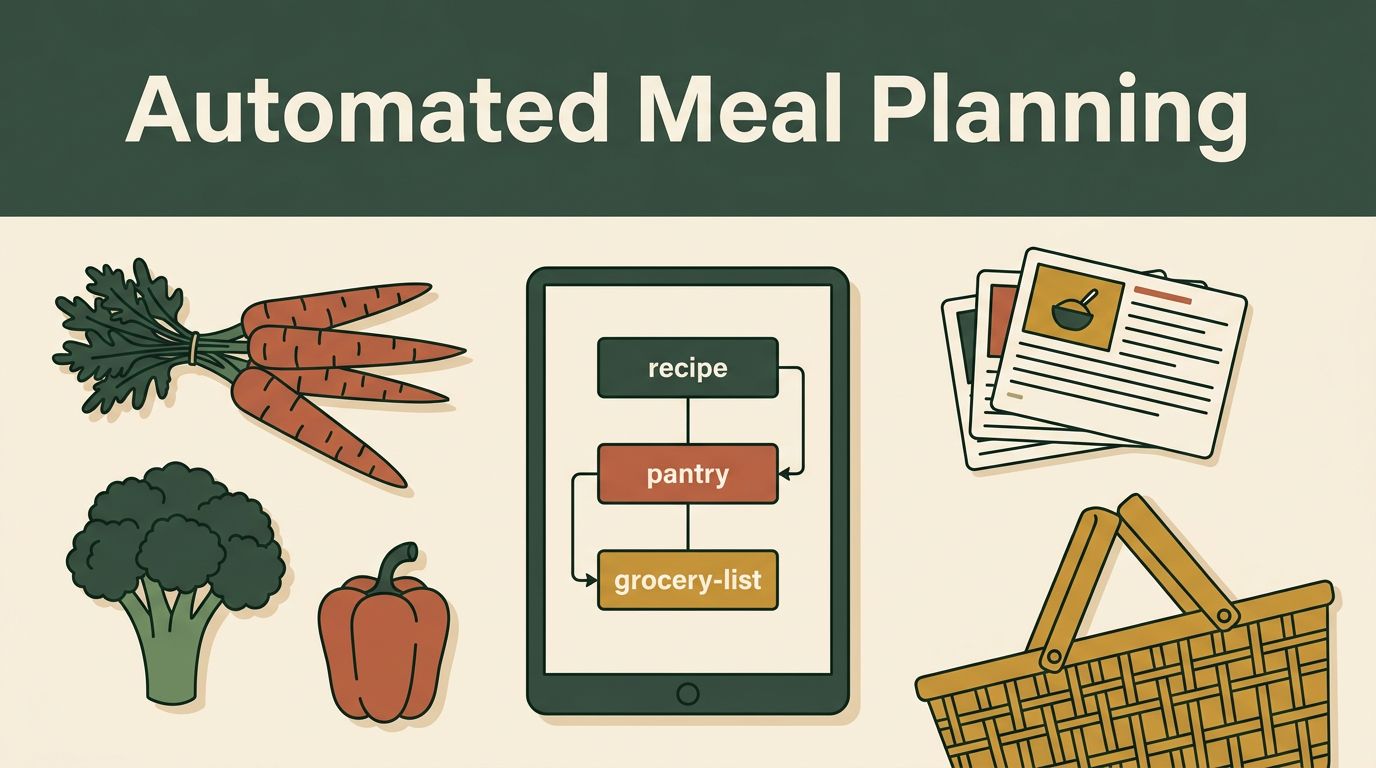
The grocery trip is rarely the hard part. The hard part is choosing seven meals, checking what you already own, combining ingredients, and remembering dietary limits before you leave. Meal planning automation can reduce that work, but Twin.so needs a clear workflow and a human review step.
Here is the practical distinction: Twin.so is an AI agent and automation platform, not a published meal-planning app with a built-in recipe database. You can test a custom setup for recipes, meal plans, and grocery lists, but don’t treat its output as final or assume it can place an order on its own. Start with the workflow below.
What Twin.so Can and Cannot Do for Meal Planning
Twin.so describes itself as an AI automation platform that works across apps and websites. Its official platform overview says users can connect tools through APIs and access more than 5,000 integrations.
That makes Twin.so potentially useful for moving information between a recipe document, a planning prompt, a pantry list, and a grocery-list destination. The setup depends on the apps you use and the access Twin can obtain.
What Twin Is Actually Built For
Twin.so is built around AI agents that can perform multi-step workflows. Those workflows may involve reading information, creating an output, browsing a website, or using a connected service.
For meal planning, that could mean taking a household brief and turning it into a draft weekly plan. It could also combine repeated ingredients into one grocery list instead of leaving you with separate lists for every recipe.
The important point is that this is a custom automation use case. Twin.so isn’t being presented as a dedicated meal planner.
Where the Meal Planning Use Case Has Limits
Twin.so’s current public pages don’t list meal planning, recipe organization, pantry tracking, or grocery-list creation as named product features. They also don’t show a dedicated meal-planning template that you can switch on immediately.
You may need to build the workflow yourself. The result will depend on the quality of your recipe data, the instructions you provide, and the services you connect. A grocery retailer may also block automated access or require extra approval.
Don’t assume Twin.so can calculate a complete nutrition plan, identify every allergen, or complete checkout safely. Those tasks need review.
Set Up a Small Weekly Workflow First
Start with one simple job. A five-dinner plan with a consolidated shopping list is easier to test than a system that manages every meal, snack, pantry item, and household purchase.
Twin.so’s pages describe agents that can plan and run multi-step workflows. Its autonomous AI agent features are aimed at repeatable tasks, which fits a weekly planning routine better than a single vague request.

Start With a Fixed Weekly Brief
Give Twin.so the same type of information each week. Keep it plain and measurable.
Your brief could include:
- The number of people eating.
- The number of dinners required.
- The available cooking time.
- Dietary restrictions and allergies.
- A food budget or price preference.
- Meals already scheduled outside the home.
- Ingredients already in the pantry or freezer.
- Whether leftovers should cover lunch.
For example, you might request five dinners for two adults and two children, with two meals under 30 minutes, one vegetarian dinner, no peanuts, and enough leftovers for two lunches.
The more exact the brief, the less cleaning up you’ll need later.
Keep Recipes and Pantry Data in One Place
Twin.so can’t make a reliable grocery list from information it can’t access. Put approved recipes in one document, database, spreadsheet, or note. Keep the pantry list separate but easy to update.
Use clear entries such as “rice, 2 cups remaining” or “olive oil, half bottle.” Avoid vague entries like “some vegetables.” Quantities matter when the agent compares recipes with what you already have.
Update the pantry after each shopping trip. An outdated pantry list is one of the fastest ways to create duplicate purchases.
How Meal Planning Automation Could Work With Twin.so
The basic workflow is simple: collect household details, draft meals, extract ingredients, combine duplicates, and produce a shopping list. That is the same general pattern described in AI meal planning guidance from Microsoft, but Twin.so would require your own configured process.
Collect the Weekly Inputs
The first step should gather your current information. That may be a saved household brief, a recipe file, and a pantry note.
Ask Twin.so to use only approved recipes when that matters. You can also tell it to mark any meal that needs a new ingredient, a substitution, or additional allergy review.
A useful instruction is: “Create a draft plan only. Do not remove meals without explaining the change. Separate uncertain ingredients for review.”
Draft the Meals
The agent can use your rules to create a practical schedule. Ask it to balance cooking time, ingredient reuse, and meal variety.
A sensible week might use roasted vegetables in one dinner, then add the leftovers to grain bowls the next day. That reduces preparation without forcing the family to eat the same plate twice.
Set limits that match real life. If Wednesday is a late work night, request a 20-minute meal or a planned leftover night. A plan that ignores your schedule won’t help, even if every recipe looks good.
Create One Consolidated Grocery List
After the meals are drafted, ask Twin.so to extract each ingredient and combine repeated items. The output should include the total amount, the recipe uses, and any pantry deduction.
For example, three recipes calling for onions shouldn’t create three separate onion entries. The list should show the combined amount, with a note if the quantity depends on onion size.
Ask for uncertain items to be flagged. Package sizes, substitutions, and pantry estimates often need a person to decide.
Review the Plan Before You Shop
AI-generated meal plans are drafts. Review the meals and list before buying anything, especially when children, allergies, medical conditions, or strict dietary rules are involved.

Check Allergies and Dietary Restrictions
Read the full ingredient list for every recipe. A plan can follow a broad instruction such as “dairy-free” and still suggest a packaged ingredient that contains milk.
Check sauces, seasoning blends, stock, snacks, and substitutions. Those items are easy to overlook because they don’t always appear to be the main part of a meal.
For a severe allergy, use product labels and advice from a qualified medical professional. AI output is not medical or nutritional advice, and it can’t confirm how a specific product was manufactured.
The grocery list is only ready when the person who knows the household’s allergy risks has approved it.
Check Quantities and Duplicate Pantry Items
Compare the list with your actual pantry. The agent may not know that you bought a large bag of rice yesterday or that the flour in the cabinet is expired.
Look at serving sizes, units, and package sizes. “Two cups of spinach” and “two bags of spinach” are not interchangeable instructions. The list should make that difference clear.
Also check ingredients that appear under different names. “Garbanzo beans” and “chickpeas” may be treated as separate items even though they are the same purchase.
Check Food Waste and the Weekly Schedule
Fresh produce should match the days when you plan to cook. Put delicate ingredients earlier in the week and frozen or shelf-stable meals later when possible.
Remove recipes that won’t fit your schedule. An ambitious plan often creates more waste than a shorter plan with one leftover night.
Before shopping, ask whether each item has a clear use. If not, remove it or replace it with an ingredient that appears in another meal.
Turn the Draft Into a Better Grocery Trip
A consolidated list is useful, but organization determines how quickly you can shop. Sort the final version by store section, not by recipe.
Group produce, meat and seafood, dairy, frozen foods, pantry items, and household supplies. Keep quantities beside each item. This reduces backtracking and makes it easier to notice missing categories.
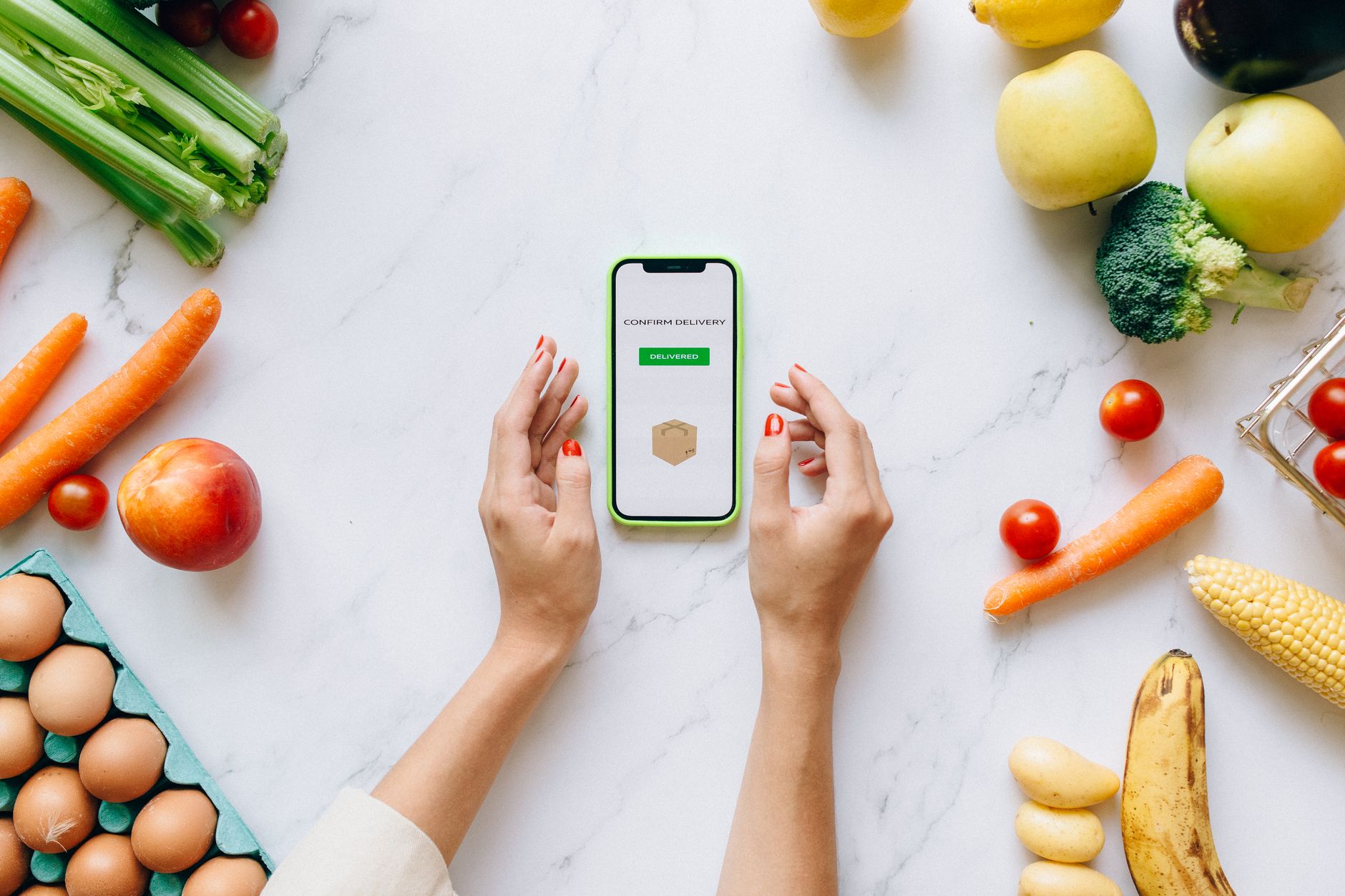
Photo by Nataliya Vaitkevich
Use Twin.so for Preparation Before Checkout
Twin.so advertises browser tools that can work with websites that don’t offer a direct API. Its no-API browser automation feature may be relevant if you want an agent to move information into a supported web form or shopping site.
That doesn’t mean every grocery retailer will work. Test with a draft cart or list first. Keep final product selection, substitutions, delivery fees, and checkout under your control.
Never allow an untested workflow to place an order automatically. A wrong quantity or unapproved replacement can cost more than the time saved.
Keep a Human Approval Step
The safest process has a clear pause before any purchase. Twin.so can prepare the plan and list, but you approve the final items.
This is especially important when prices change, products are out of stock, or a retailer suggests substitutions. The cheapest option on paper may not be the right option for your household.
Pricing, Privacy, and Account Checks
Twin.so’s current pricing should be part of your decision. The official pricing page lists a free Starter option, followed by paid plans shown at €20 per month, €50 per month, and €189 per month. Pricing may display in your detected currency, and usage is tied to credits.
The pricing documentation says new users receive 1,000 credits immediately and 200 additional credits per day during a 14-day trial, up to 3,600 credits. Agent activity such as building, browsing, researching, and generating output can use credits.
Start With the Smallest Test
Don’t pay for a higher plan before you know the workflow works with your recipe source and shopping process. Test one week first.
Measure the useful result, not the number of automated steps. If the system still needs heavy corrections, fix the input format before adding more integrations.
A free or lower-cost test also makes it easier to decide whether Twin.so is the right fit or whether a dedicated meal-planning app would be simpler.
Protect Household Information
Meal preferences may reveal allergies, health concerns, religious practices, children’s ages, or family routines. Share only what the workflow needs.
Review connected account permissions before granting access. Be careful with grocery logins, saved addresses, payment details, and retailer accounts. Use a draft-list workflow before considering any cart or checkout access.
Read Twin.so’s current privacy policy and terms before connecting personal data. If several adults use the system, agree on who can approve changes and purchases.
Conclusion
Twin.so can be tested as a custom automation layer for meal plans, recipes, and grocery lists, but it isn’t currently documented as a dedicated meal-planning product. The strongest setup starts with a fixed weekly brief, organized recipe and pantry data, and clear instructions for combining ingredients.
Meal planning automation works best when it removes repetitive preparation without removing human judgment. Review allergies, quantities, pantry items, food waste, prices, and substitutions before the list becomes a purchase.