Checking wine ratings once is easy. Keeping a reliable record across hundreds of bottles, critics, vintages, and prices is not.
A wine rating scraper built with Twin.so can collect that information on a schedule, even when a source doesn’t offer a convenient API. The practical approach is to start with one source, define clean fields, test the results, and only then increase the collection frequency.
Why Continuous Wine Rating Collection Matters
Wine data changes often. New vintages receive reviews, prices move, tasting notes are updated, and retailers add or remove products. A spreadsheet checked once a month can miss those changes.
Retailers and distributors need current ratings when building product lists. Publishers may want to track new reviews. Analysts may need a history of price and score changes. Manual copying works for a short list, but it becomes slow and inconsistent as the number of wines increases.
A scheduled collector gives you a repeatable record. Each result can show what was found, where it came from, and when Twin.so collected it.
Ratings Change With the Vintage
A wine name alone isn’t enough for a useful comparison. A 2021 Cabernet Sauvignon may have a different rating, price, and tasting profile than the 2022 release.
The collector should treat the vintage as part of the wine identity. Non-vintage wines need a clear value such as “NV” rather than a blank field.
Rating systems also differ. Wine Spectator uses a 100-point scale, with 95 to 100 classified as Classic and 90 to 94 as Outstanding. Its wine ratings database includes scores, tasting notes, prices, and other review details.
Manual Checks Don’t Scale
Manual research creates predictable problems. One person may record “95,” while another enters “95 points.” A price may be copied without the bottle size. A review date may be mistaken for the date the data was collected.
Those small differences make filtering and reporting harder. A scheduled workflow applies the same instructions each time, which gives your dataset a more consistent structure.
What a Wine Rating Scraper Should Capture
Before opening Twin.so, decide what one row in your dataset should contain. Keep the first version narrow. You can add fields later after the basic workflow is reliable.
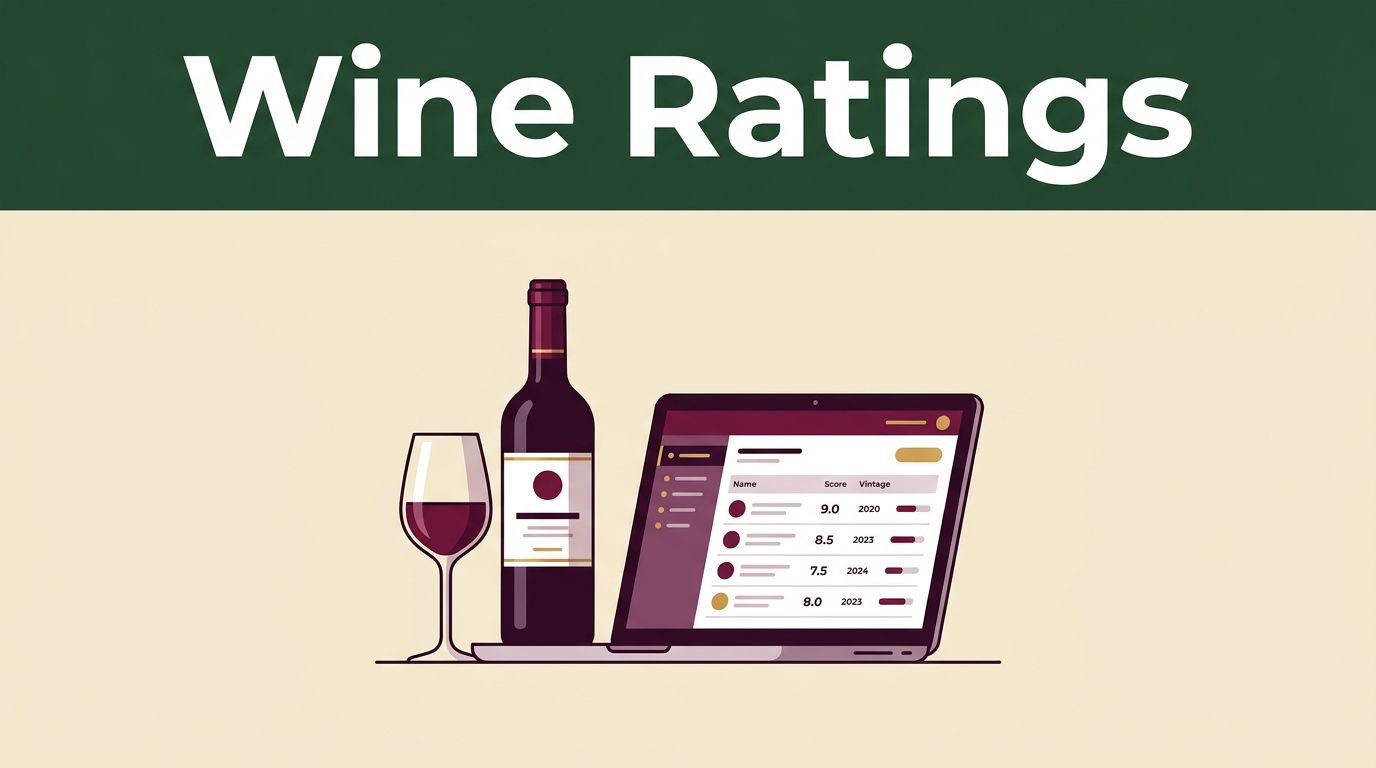
| Field | What to Store |
|---|---|
| Wine name | The displayed product or review name |
| Producer | Winery, estate, or brand |
| Vintage | Year of the wine, or “NV” for non-vintage |
| Rating | Numeric score and the original format |
| Critic | Reviewer name or publication |
| Tasting notes | Notes available for your permitted use |
| Price | Listed price and currency |
| Source URL | Exact page where the record was found |
| Date collected | Date and time of the scrape |
This field set works for a retailer monitoring new reviews or a publisher building a searchable wine database. You can add region, appellation, grape variety, bottle size, review date, availability, and drink window when the source provides them.
Keep Raw and Clean Values Separate
Store the original rating alongside a normalized value. For example, the raw value might be “95/100,” while the normalized score is 95 and the rating scale is 100.
That separation matters when you compare sources. One critic may use 100 points, another may use five stars, and another may use a letter grade. Don’t convert everything without retaining the original value.
The same rule applies to prices and names. Keep the displayed price, currency, and bottle size. Preserve the source wine name, then create a separate canonical name for matching.
A rating without a vintage, critic, source URL, and collection date is difficult to verify later.
Tasting notes need extra care. They are written content, not just factual numbers. Store or republish them only when your agreement, license, or intended use allows it. A numeric rating and a full paragraph of editorial prose shouldn’t be treated as the same type of data.
Set Up Twin.so Without Writing Code
Twin.so is designed for browser-based tasks that can be difficult to handle with a normal API. Its agents can visit pages, follow links, read tables, and return structured information. The exact controls, integrations, and limits can vary by plan and by the current product interface.
Twin’s no-API browser automation is useful when a ratings site has dynamic pages, filters, pagination, or a login-based dashboard. If a source already offers a stable API or downloadable feed, use that first. Browser automation is usually more expensive and less predictable than a direct data connection.
Start With One Source
Choose one ratings source for the first test. Don’t begin with ten sites and a large field list.
A single source makes it easier to check whether Twin is reading the correct page, handling pagination, and identifying the right wine. Wine Spectator’s 100-point scoring scale is one example of a source standard you can document before collecting scores.
Start with five to ten records. Compare every field against the original pages. Fix the instructions before scheduling repeated runs.
Write a Narrow Collection Task
Use plain instructions. Tell Twin what page to open, what records to collect, which fields to return, and what to do when a value is missing.
A useful task could say:
Open the selected wine ratings page. Collect each listed wine and return one row per wine. Capture wine name, producer, vintage, rating, critic, tasting notes, price, source URL, and date collected. Preserve the original rating format. If a field is missing, leave it blank and don’t guess. Follow pagination until the requested number of records is complete.
You can learn more about how browser agents handle pages and multi-step actions in Twin’s browser automation guide. Keep the prompt direct. Extra instructions that don’t affect the output make troubleshooting harder.
Step-by-Step Wine Rating Scraper Workflow
The following workflow fits a retailer, distributor, publisher, or analyst who wants recurring collection without building a custom scraper.
- List the source pages you have permission to collect. Record the domain, page type, login requirement, and expected fields. Check the site’s terms and
robots.txtbefore setting up a recurring run. - Create a Twin.so agent for one source. Give it the page URL and a clear collection task. Ask for structured rows instead of a general summary.
- Define the output columns before the first run. Use wine name, producer, vintage, rating, critic, tasting notes, price, source URL, and date collected. Add a rating scale column if the source uses more than one format.
- Limit the first run. Ask for five or ten records, or one page of results. Review each row beside the source page. Check that the producer wasn’t placed in the wine name field and that the critic wasn’t confused with the winery.
- Test pagination and filters. If the source uses “next page,” filters, or a load-more button, ask Twin to continue until a defined page or record limit. A fixed limit prevents an unexpected large run.
- Send the results to your working destination. Twin’s product materials describe exports to tools such as spreadsheets and other business systems. Use a destination where the data can be reviewed before it reaches a public catalog.
- Schedule the task after the test passes. A weekly run may suit new reviews. A daily run may make sense for price monitoring. Don’t schedule frequent collection when the source changes slowly.
- Keep a run log. Save the run date, number of records returned, failed pages, and any field changes. That log helps you separate a real score change from a broken page layout.
Add a Review Before Scheduling
A good workflow doesn’t send every result straight to publication. Add a simple review step for new wines, changed ratings, missing vintages, and unusually large price movements.
For example, a spreadsheet can flag rows where the rating is blank, the source URL is new, or the same wine and vintage appear more than once. Those records need human review before they are used in a buying decision or published article.
Fix Missing Ratings and Bad Matches
No browser collector is perfect. Pages change, content loads at different speeds, and wine listings often use inconsistent names. Most problems are manageable when you keep the instructions narrow and retain the original source details.
When Twin Misses a Field
If the rating is blank, check whether it appears in a table, a review card, a pop-up, or a separate detail page. Tell Twin where to look and what counts as a valid rating.
Don’t ask it to infer a missing score. If the page shows “not rated,” leave the field blank and store that status in a separate note if needed.
When tasting notes are missing, check whether the source places them behind an expand button or on a review detail page. A browser agent may need permission to follow that link, and the current interface may handle these steps differently by plan.
When Pages Change
Duplicate records often come from pagination errors, repeated search results, or product names that differ slightly. Match records using more than the display name.
A practical matching key includes producer, wine name, vintage, critic, and source domain. Keep the source’s own review or product ID when one is available. If no stable ID exists, compare the normalized name and vintage before adding a new row.
Price changes should update the existing record instead of replacing the history. Store the collection date so you can see when the price moved.
When the Source Pushes Back
A reachable page isn’t automatically a page you can collect without limits. Check robots.txt, follow any stated crawl delay, and avoid blocked paths such as account, checkout, or admin pages.
Use a per-site delay rather than sending requests at the same speed across every domain. If a site returns 429 Too Many Requests, stop and follow its Retry-After instruction when provided. Repeated retries can make the problem worse.
Twin also promotes workflows for gated platform scraping, but a login requirement doesn’t remove the need to check access rights, terms, and permitted uses. Keep exact source URLs and collection dates for attribution and internal review.
The safest collection pace is the slowest pace that gives you current data.
Understand Credits and Run Limits
Twin.so uses a credit-based usage model. Public product materials describe simple automation as less expensive than longer browser-agent sessions. Planning examples place a small automation around 15 to 30 credits, a scraping job of roughly 100 items around 20 to 70 credits, and a 20-step browser session around 100 to 200 credits.
Treat those figures as planning ranges, not a fixed quote. The actual cost depends on page complexity, navigation steps, research depth, retries, and the output you request. A task that opens one stable page is different from a task that logs in, filters results, follows review links, and processes several hundred wines.
Run a small test before committing to a daily schedule. Track credits used per successful row. That gives you a better estimate than a plan label alone.
If your source has a reliable API, feed, or export, use it for the main collection and reserve Twin.so for pages that require browser interaction. The Twin learning resources can help you compare browser-based workflows with other agent tasks, while plan details should be checked in the current interface before purchase.
Conclusion
A wine rating scraper is useful when it produces clean, traceable records, not when it merely copies a large number of pages. Twin.so can help collect ratings, prices, tasting notes, and source details on a schedule, but the workflow still needs clear fields, small tests, rate limits, and human review.
Start with one source and the nine core fields. Preserve raw values, normalize ratings separately, keep the exact source URL, and record the date collected. That approach gives wine teams data they can check, compare, and use with confidence.