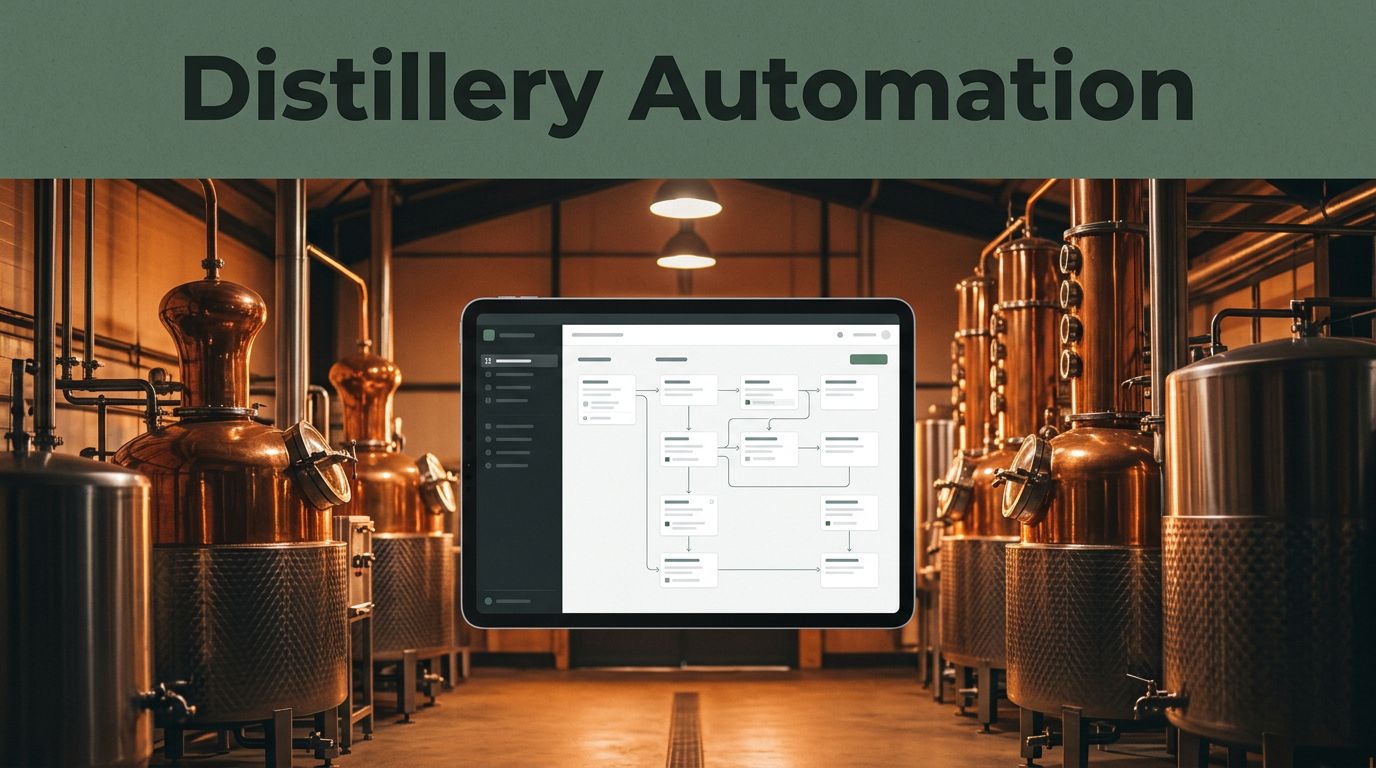
Growing a distillery doesn’t create a need for more spreadsheets. It creates more handoffs, approvals, portal logins, production records, and customer questions. That is where distillery business automation can help, but only when it removes repetitive work without taking control away from production and compliance teams.
Twin.so is best treated as an operations layer for repeatable digital tasks, not as a replacement for a bonded warehouse record, a quality release, or a production lead. Its public materials describe agents that use connected tools, browser automation, schedules, and webhooks. The practical way to scale is to start with one visible workflow, define the human review point, and measure results before adding another.
Where Distillery Business Automation Fits Best
Twin.so can fit around the work your team already does in email, browser portals, spreadsheets, shared folders, and business systems. The product’s official feature overview describes agents that can plan steps, select tools, and work across apps and websites.
That doesn’t mean every distillery task belongs in an agent. A useful first workflow has a clear trigger, repeatable steps, a limited number of exceptions, and a named reviewer.
Use It Around the Core Record
Production, inventory, tax, quality, and safety records should remain controlled records. Automation can gather information, compare values, prepare drafts, create reminders, and route exceptions.
It shouldn’t quietly change a batch record or approve a release without authorization. Your production and compliance systems remain the source of truth. Twin.so can help move information around them, but your team must define which actions are read-only, which actions create drafts, and which actions need approval.
Keep the Control Point Clear
A strong workflow ends with a person who can verify the result. That person might be the production lead, purchasing manager, warehouse supervisor, quality manager, or owner.
The reviewer should see the source information, the proposed action, and any exception that caused the workflow to stop. A simple approval step is better than a fully automatic process that no one can explain later.
Map the Work Before Automating It
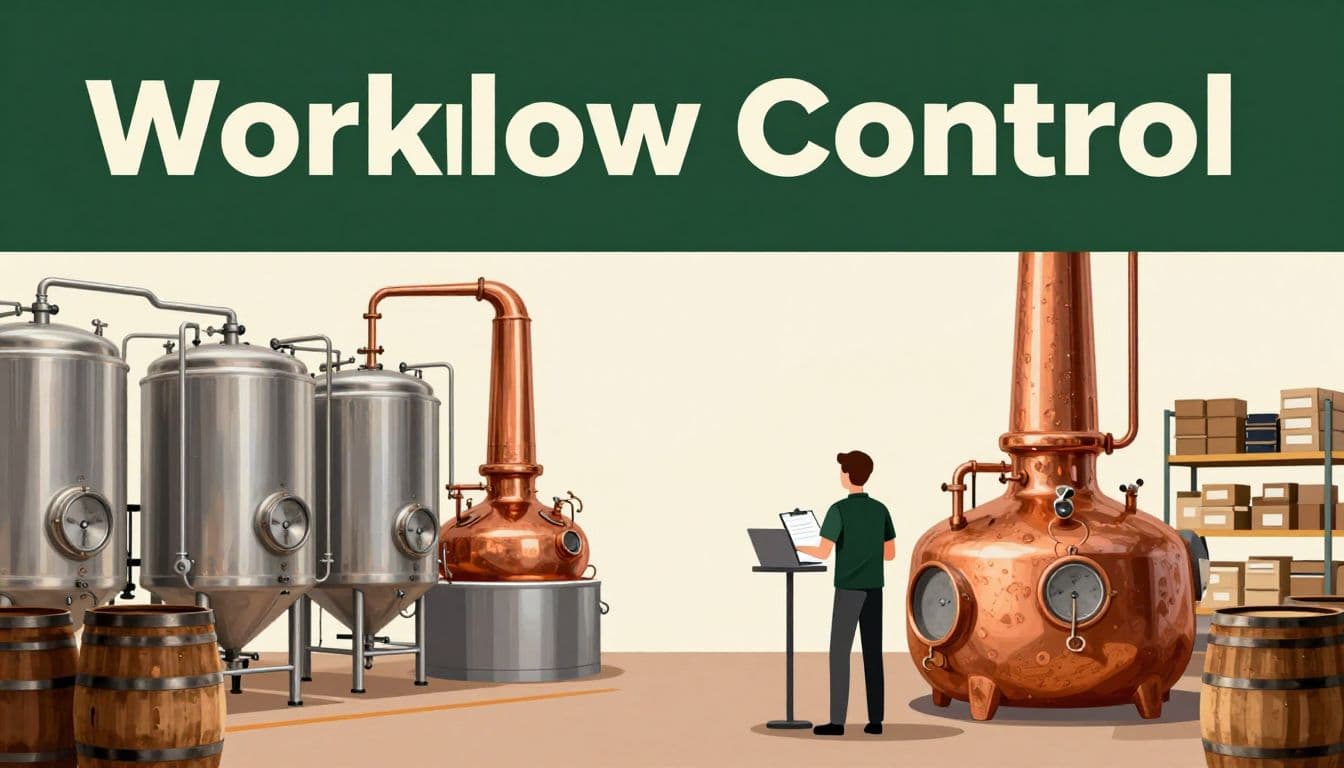
Start with one process that causes daily friction. Don’t begin with the biggest system in the distillery. Begin with a task the team understands well enough to describe step by step.
Pick a Narrow, Repeatable Workflow
Good starting points include supplier follow-up, low-stock alerts, wholesale order intake, invoice collection, shipment status checks, and weekly production summaries.
Write down the current process before building anything:
- What starts the work?
- Where does the information come from?
- What decision does someone make?
- What action follows the decision?
- What must be logged or saved?
- When does a person need to approve the result?
For example, a weekly low-stock process may begin with a scheduled check of an inventory sheet. The workflow compares current quantities with agreed reorder points, prepares a purchase request, and sends it to the purchasing manager for review.
Write the Exception Rules First
Most automation problems appear in the exceptions. A supplier may change a case pack. A product may be temporarily unavailable. A count may be missing. A wholesale customer may request a shipment outside the normal terms.
List those conditions before you automate the routine path. The workflow should stop when a required value is missing, when the amount exceeds a set limit, or when the request affects a controlled record.
Twin’s learning materials on AI agents and browser automation describe multi-step work across apps, websites, and documents. That can help with tasks that cross several systems, but the exact behavior still needs to be tested with your own accounts, permissions, and records.
Practical Workflows for a Growing Distillery
The best opportunities usually sit between departments. A distillery owner may see one task, while operations staff see five separate handoffs behind it.
Inventory and Purchasing
A realistic pilot assumption is that stock counts live in a spreadsheet or inventory system, while supplier updates arrive through email or a vendor portal. If your setup differs, the workflow can still follow the same pattern.
A scheduled run or supported webhook could collect current quantities and recent supplier messages. The agent could identify items below the reorder point, check whether an open purchase request already exists, and prepare a draft order or follow-up email.
The purchasing manager then confirms the quantity, supplier, price, delivery timing, and any tax or compliance concerns. The system should not place the final order until that review is complete.
Useful controls include:
- A maximum dollar amount for automatic draft creation.
- A required reviewer for items used in production.
- A stop rule for missing counts or unusual price changes.
- A saved record of the source message and final decision.
Twin’s public integrations catalog currently advertises a large number of app integrations. Treat that as a directory to inspect, not proof that your inventory software, ERP, distributor portal, or accounting system will work exactly as needed. Test the specific connection before planning around it.
Wholesale Orders and Administrative Work
Order intake is another practical area. A workflow could monitor a shared inbox, collect order details, compare them with agreed terms, and prepare an entry for the person responsible for fulfillment.
The human reviewer checks product availability, customer status, shipping details, pricing, and credit conditions. After approval, a separate action may update the order system or prepare a confirmation.
The same approach works for invoice matching, freight updates, distributor document collection, and recurring sales reports. The aim is not to let the agent make every commercial decision. The aim is to stop staff from copying the same information between messages, portals, and internal records.
Build Every Workflow Around Human Review
A useful distillery business automation process has four parts: trigger, action, review, and record. Miss one part and the workflow becomes difficult to control.
Use a Simple Trigger-to-Action Pattern
A workflow can follow this structure:
- A trigger starts the task, such as a schedule, webhook, new email, or changed file.
- The agent collects information from approved sources and performs the defined checks.
- The workflow prepares an action, such as a draft message, report, purchase request, or exception notice.
- A named employee reviews the result, approves it, rejects it, or sends it back for correction.
The action should match the risk. A weekly summary may be suitable for automatic preparation. A batch release, tax filing, product specification change, or safety response needs a stronger approval process.
A useful rule is simple: the higher the cost of a mistake, the more evidence and review the workflow should require.
Create an Exception Queue
Don’t force every unusual case into the normal path. Send exceptions to a queue that a person can review each day.
Examples include missing inventory counts, conflicting order details, failed portal access, supplier price changes, unusual production variances, and records that don’t match the expected format.
The queue should show what happened, what the agent attempted, and what information is missing. Twin’s public discussion of agent orchestration focuses on multi-step business work, but your distillery still needs its own limits, approval rules, and escalation process.
Protect Quality, Safety, Tax, and Compliance
Automation doesn’t reduce the obligations attached to making and selling spirits. It can make those obligations easier to manage, but it can’t transfer responsibility away from the business.
For US distilleries, TTB guidance says required records must be prepared and kept at the premises. They must be available for inspection during business hours. The guidance also states that required records must be preserved for at least three years from the transaction date or the date of the last required entry, whichever is later.
TTB DSP records and reports guidance covers areas such as receipt of materials, gauge records, transfers between areas, records for each area, production activity, and product moving out the door. Industry circular guidance also identifies daily records of receipt and disposition for taxpaid distilled spirits, along with monthly reporting requirements in the situations covered by that guidance.
Automate Preparation, Not Final Judgment
An agent can remind staff about missing entries, organize supporting documents, compare expected and actual quantities, and prepare a report for review. It shouldn’t decide that a record is legally sufficient or submit a filing without the approval required by your process.
Quality controls need the same treatment. The automation can flag a missing test result or an out-of-range value. A qualified employee must decide whether the batch is held, reworked, released, or investigated.
Automation can prepare a review package. It shouldn’t be the person who releases a batch, approves a tax position, or closes a safety exception.
Protect Permissions and Auditability
Give the workflow the lowest access level that allows it to complete the approved task. Read-only access is the strongest starting point. Draft creation comes next. Direct updates and external messages should come only after testing.
Keep records of the input, timestamp, proposed action, reviewer, final decision, and any correction. Your compliance manager, accountant, and legal adviser should review the process before it touches controlled records or regulatory submissions.
Roll Out in Stages and Measure Results
A staged rollout gives the team time to test the workflow without making a single automation responsible for the whole operation.
- Days 1 to 30: Choose one workflow, document the current steps, record the baseline time and error rate, and identify the required reviewer. Keep the first version read-only or draft-only.
- Days 31 to 60: Test the workflow with recent real examples. Compare its output with the work completed manually. Add stop rules for missing information, unusual values, and failed connections.
- Days 61 to 90: Run the workflow on a limited schedule. Review every exception, document corrections, and expand only when the process is predictable. Add a second workflow only after the first has a clear owner.
Track Metrics That Show Real Improvement
Measure more than the number of tasks completed. A workflow that finishes quickly but creates bad records isn’t helping.
Track weekly labor hours saved, time from request to approved action, percentage of work completed without manual re-entry, exception volume, reviewer turnaround time, and correction rate.
For control, track record retrieval time, unauthorized changes, missed approvals, duplicate orders, failed runs, and unresolved exceptions. Set a baseline before launch and compare results after 30, 60, and 90 days.
The strongest result is not maximum automation. It is lower administrative effort with the same or better accuracy, visibility, and control.
Conclusion
The practical use of distillery business automation is not replacing the people who understand production, quality, safety, taxes, and customers. It is removing repetitive handoffs so those people can spend more time on decisions that need judgment.
Twin.so can be a useful fit for scheduled checks, browser-based tasks, document collection, draft preparation, and exception routing when the required tools and permissions are confirmed. Start with one workflow, keep the review point visible, and measure both efficiency and control.
A distillery is ready to scale automation when the process is clear enough to test and controlled enough to stop.