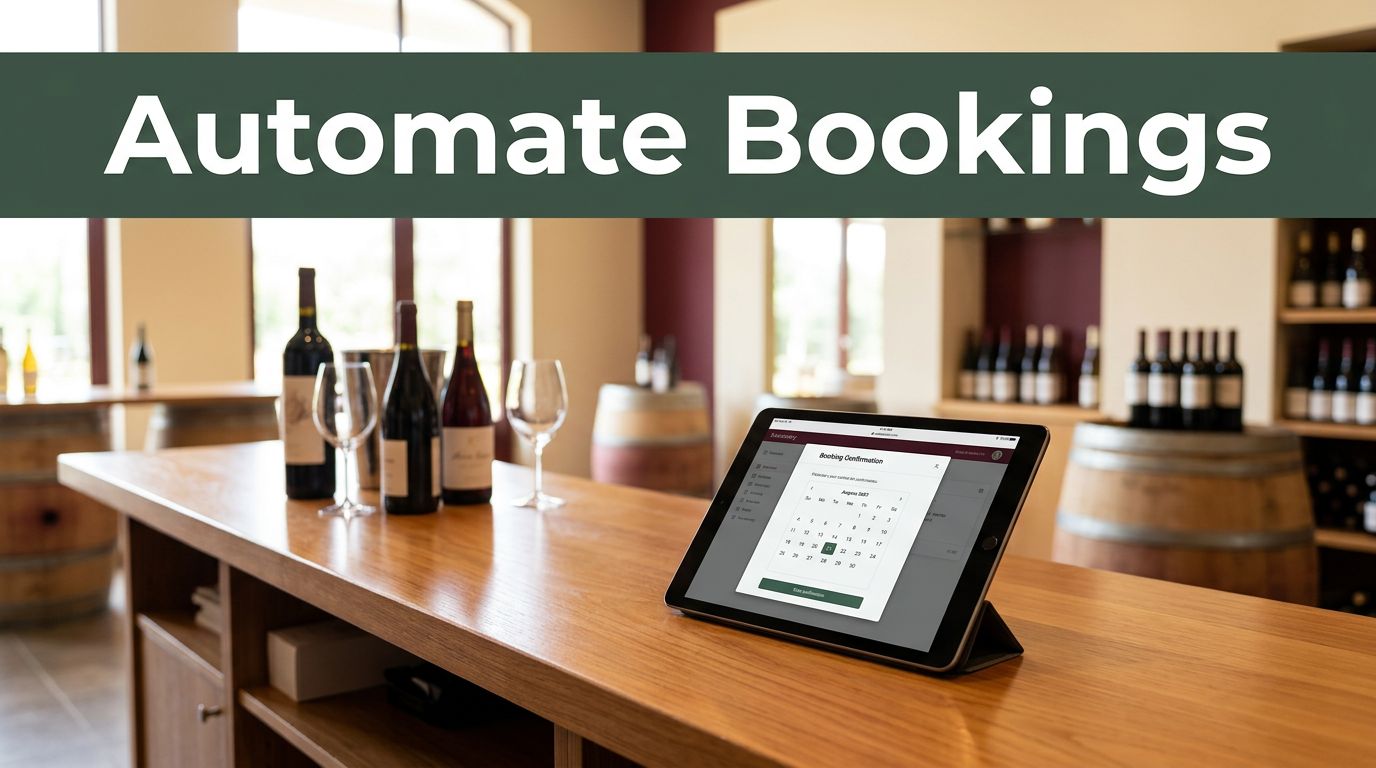
A dependable tasting room booking flow does more than place a date on a calendar. It captures the details your team needs, confirms the visit, protects the time slot, and gives guests clear next steps.
Automating that process with Twin.so can reduce manual copy-paste and missed follow-ups. It doesn’t remove the need for staff judgment, especially when bookings overlap, guests change plans, or a reservation needs special handling. The practical approach is to automate routine steps and send exceptions to a person.
What a Tasting Room Booking Flow Should Handle
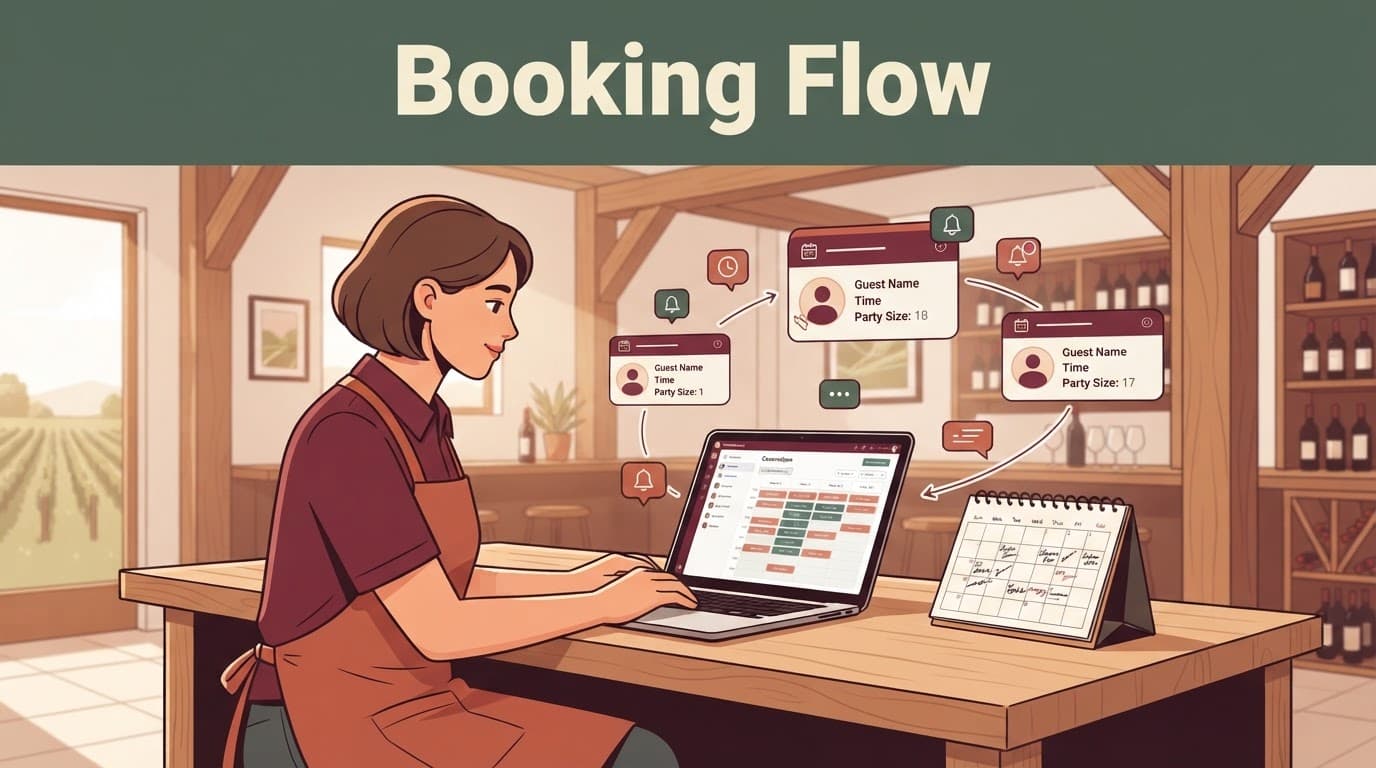
A tasting room reservation usually passes through several systems. A guest submits a form or chooses an available time. The booking appears on a calendar. Someone sends a confirmation, prepares the team, and follows up after the visit.
If those steps aren’t connected, small errors become normal. A reservation may lack the party size. A staff member may miss an accessibility note. A reminder may go out after a cancellation.
Start by defining the information and decisions your flow must handle.
Collect the Booking Fields Staff Actually Need
Don’t ask guests for every detail you could possibly store. Ask for information that helps your team prepare the visit or communicate with the group.
A useful booking form may include:
| Booking Field | Why It Matters |
|---|---|
| Guest name and email | Identifies the reservation and supports confirmation |
| Mobile number | Helps with urgent changes, if the guest consents |
| Visit date and time | Creates the main reservation record |
| Party size | Helps plan seating, staffing, and pours |
| Tasting or experience type | Tells staff what the group selected |
| Dietary or accessibility notes | Gives the team time to prepare |
| Occasion or special request | Helps staff personalize the visit |
| Marketing consent | Separates promotions from booking messages |
The form should also show the cancellation window, arrival expectations, and any age or identification requirements that apply to your winery.
Set Availability and Status Rules First
A booking isn’t always final when a form is submitted. Some wineries accept requests for review. Others allow guests to choose only open times through a connected calendar.
Decide which status triggers automation. A confirmed booking should usually create the guest record and start the message sequence. A pending request should create an internal task instead.
Your flow also needs rules for closed dates, private events, large groups, late arrivals, and bookings outside normal hours. The more of these rules you define before setup, the less your staff must fix later.
How to Automate Tasting Room Booking on Twin.so
The best tasting room booking automation starts with the tools you already use. Twin.so may connect with a booking calendar, form, CRM, spreadsheet, email account, or messaging tool. Exact setup steps vary depending on those connected tools and the permissions they provide.
Twin’s integrations directory lists available connections and workflow options. Review the actual tools in your stack before deciding which system should control availability.
Connect the Source of Truth
Choose one system as the official record for time slots. That may be Calendly, another booking platform, a shared calendar, or a reservation form connected to a CRM.
Twin’s documented workflow approach supports booking data, reminders, and syncing invitees with CRM or spreadsheet records. In practical terms, the booking source should send or expose the details needed for the next action.
A basic setup may look like this:
- A guest submits a booking or selects an open time.
- Twin receives the event through a connected app, webhook, or scheduled check.
- The workflow checks the booking status and required fields.
- The guest record is created or updated.
- The guest receives a confirmation.
- The tasting room team receives an internal notification.
The Twin quickstart documentation covers scheduled agents, event-driven triggers, OAuth connections, and browser actions. Use it to confirm how your selected calendar and communication tools connect.
Give Each Action a Clear Condition
Avoid one large instruction that tries to handle every possible situation. Divide the process into small actions with clear conditions.
For example, the confirmation action should run only when the booking status is confirmed and the required email address is present. The reminder should run only when the reservation is still active. A follow-up should stop if the guest canceled or opted out of marketing messages.
This structure makes the workflow easier to test. It also makes errors easier to trace. If a reminder fails, you can check whether the booking was canceled, the email was missing, or the connected tool was unavailable.
If your reservation portal lacks a useful API, Twin’s no-API browser automation may support browser-based actions such as navigating a page, filling a form, or reading a table. Browser actions need extra testing because page layouts, login sessions, and permission settings can change.
Write Confirmation, Reminder, and Follow-Up Messages
Guests don’t need a complicated message. They need the correct date, time, location, arrival instructions, and a clear way to contact the winery.
Use booking fields to personalize messages without exposing internal notes or unnecessary guest data.
Keep the Confirmation Short and Specific
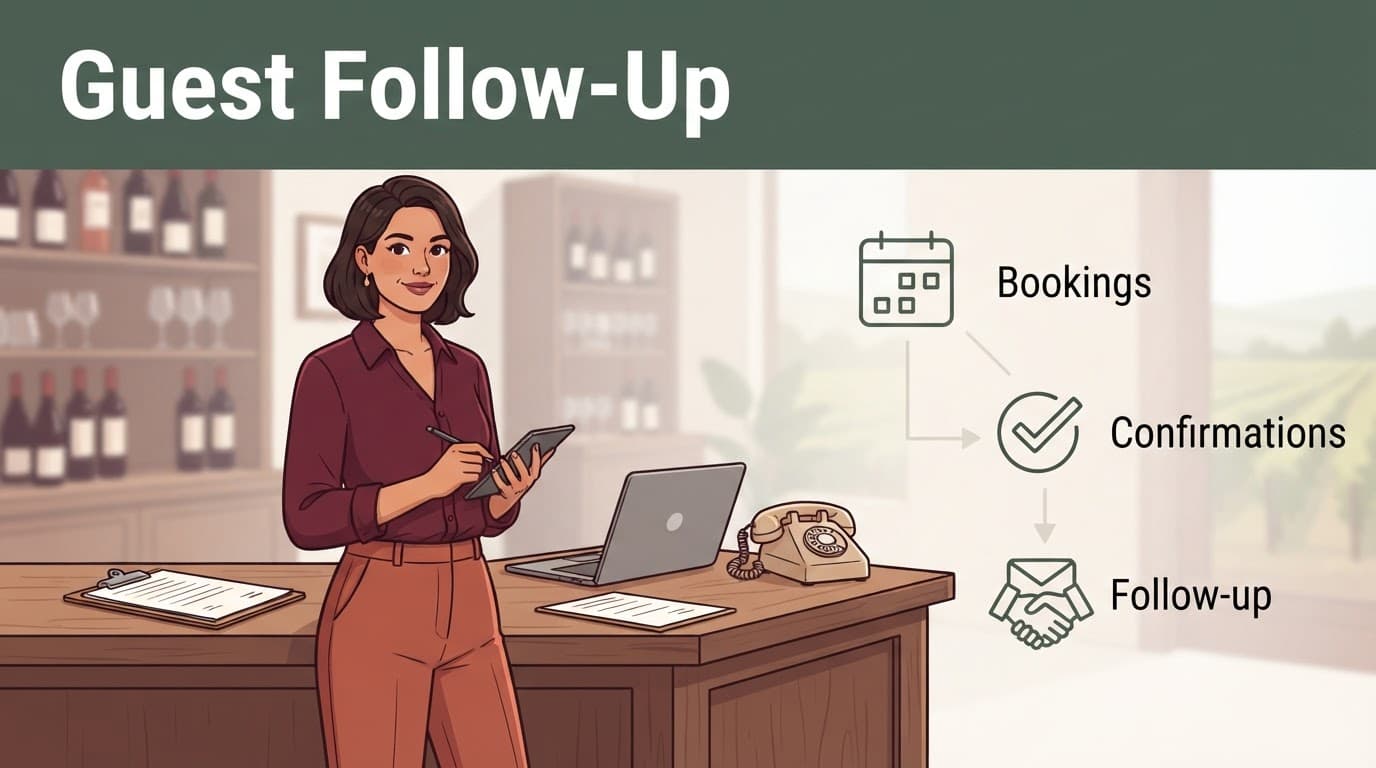
A confirmation should tell the guest what has been reserved and what happens next.
Hi {{first_name}}, your tasting at {{winery_name}} is confirmed for {{date}} at {{time}}. Your reservation is for {{party_size}} guests. Please arrive 10 minutes early at {{address}}. To make a change, reply to this message or contact {{contact_phone}}.
Add the selected experience, parking information, cancellation policy, or identification requirement when those details affect the visit.
Don’t include every form response in the confirmation. A guest’s private note may belong in the staff record, not in an email that could be forwarded.
Use Reminders and Follow-Up Carefully
A reminder 24 hours before the visit can reduce no-shows. It should repeat the date, time, group size, location, and change instructions. If the winery has a strict late-arrival policy, state it plainly.
A post-visit message can thank guests, invite feedback, or provide a link to purchase wine. Keep operational messages separate from promotional messages. A guest who agreed to receive booking updates hasn’t automatically agreed to marketing.
Twin’s Learn resources describe triggers such as schedules, form submissions, inbound emails, and app events. Those options can support reminder and follow-up timing, but the exact trigger depends on your connected tools.
Plan for Double Bookings and Last-Minute Changes
Automation works best when the normal path is clear and the exceptions have a safe stopping point. A good flow shouldn’t send a confident confirmation when the calendar contains a conflict.
Stop Double Bookings Before Confirmation
The booking calendar should control availability whenever possible. Before sending a final confirmation, have the workflow check the reservation status and the selected time against the current calendar record.
If two guests request the same slot, don’t let the automation choose silently. Send the issue to a staff member with the guest names, party sizes, requested time, and available alternatives.
A conflict message can be simple:
This booking needs staff review because the requested time is no longer available. Please contact the guest with the closest open option.
Use a unique booking ID when updating records. Matching only by guest name or email can update the wrong reservation, especially when repeat visitors book again.
Handle Cancellations, Changes, and Late Requests
A changed reservation should update the original record instead of creating a second booking. The workflow should locate the booking ID, update the calendar or CRM, and send a revised confirmation.
For a cancellation, mark the reservation canceled, release the time slot, and suppress future reminders. If the change arrives inside your cutoff period, route it to staff instead of applying the normal self-service rule.
Last-minute requests also need a human fallback. A guest may ask to add six people, move the visit by 30 minutes, or arrive after the tasting room closes. Twin can gather the request and alert the right person, but the team should make the final call when capacity, staffing, or hospitality standards are involved.
Never send a new confirmation until the original booking is updated or clearly canceled. That one rule prevents many duplicate reservations.
Protect Guest Data Before You Go Live
A winery booking record often contains names, contact details, group size, preferences, and special notes. Treat it as guest data, not casual information that can be copied into every connected system.
Twin’s published privacy information states that data exchanged with its services and integrations is encrypted in transit using TLS 1.2 or higher. You still need to decide what data your workflow should access, where it should be stored, and who can see it.
Ask for Consent in Separate Choices
Use one consent choice for booking-related messages and another for marketing. The guest should be able to receive a confirmation without joining a mailing list.
If you collect a phone number for urgent changes, explain that purpose near the field. If the number also supports promotional texts, get the required separate permission before sending them.
Limit sensitive notes to the staff who need them. Accessibility or dietary information may help the tasting room prepare, but it shouldn’t appear in a broad team channel or an unsecured spreadsheet.
Review Twin’s current privacy policy and terms before connecting guest records. Confirm that your winery has the right to share the data with the connected services and set a retention period for old bookings.
Test Normal and Problem Bookings
Test the workflow with real booking scenarios before making it the default process. Include a new reservation, a missing email address, a duplicate request, a cancellation, a changed party size, and a last-minute message.
Check every result:
- Was the correct calendar record created or updated?
- Did the guest receive only the message they should receive?
- Did the team get enough information to act?
- Were reminders stopped after cancellation?
- Did marketing consent remain separate?
- Did an unclear case go to a person?
Keep a manual booking option available. Automation should reduce repetitive work, not leave the tasting room without a backup when a connector fails or a page changes.
Conclusion
A strong tasting room booking flow has one reliable calendar, clear guest fields, short messages, and defined rules for exceptions. Twin.so can connect routine booking actions across calendars, forms, CRMs, spreadsheets, email, and browser-based tools, but the exact setup depends on your current stack.
Start with confirmed bookings, reminders, and internal notifications. Add changes, cancellations, and follow-up only after the basic process works. The safest automation is the one that handles routine reservations quickly and stops for staff review when the booking no longer fits the rules.